Running Presales and Token Launches with cred.diy
A complete guide to running presale campaigns that let early adopters purchase credits before your product launches.
By cred.diy Team

Presales are a powerful way to validate demand, generate early revenue, and build a community before your product launches. With cred.diy, you can run presale campaigns that sell credits at a discount, giving early adopters a stake in your platform.
Why Run a Presale?
Benefits
- Validate demand: Real purchases prove market interest
- Early revenue: Fund development before launch
- Community building: Early buyers become advocates
- Price anchoring: Establish value before general availability
- Reduced risk: Launch with paying customers already onboard
Who Should Run Presales?
- AI startups: Sell compute credits before your model is ready
- Gaming studios: Pre-sell in-game currency
- SaaS builders: Offer discounted API credits to beta users
- Creator platforms: Let creators buy tokens at founder pricing
Setting Up a Presale
Step 1: Create Your Credit Type
Define the credits you'll be selling:
const presaleCredits = {
  name: "Platform Tokens",
  symbol: "PTK",
  description: "Pre-launch platform credits at founder pricing",
  exchange_rate: 0.02  // Will be $0.05 at launch
};
Step 2: Create Pricing Tiers
Offer multiple presale packages:
const presaleTiers = [
  {
    name: "Early Bird",
    credits: 500,
    price: 9.99,       // $0.02/credit
    description: "60% off launch price"
  },
  {
    name: "Founder Pack",
    credits: 2000,
    price: 29.99,      // $0.015/credit
    description: "70% off launch price",
    is_popular: true
  },
  {
    name: "Whale Pack",
    credits: 10000,
    price: 99.99,      // $0.01/credit
    description: "80% off launch price"
  }
];
Step 3: Configure the Presale
Create the presale in Dashboard → Presales: give it a name and description, choose the credit type and the pricing tier buyers pay with, and set the launch date. Credits are issued to buyers' balances when each payment completes.
Step 4: Share the Presale Link
Each presale gets a hosted checkout page:
https://cred.diy/presale/your-presale-id
Share this link on social media, email lists, and your landing page.
Presale Strategy
Pricing Strategy
Create urgency with tiered discounts:
| Phase | Discount | Duration | Goal |
|---|---|---|---|
| Super Early Bird | 80% off | First 48 hours | Create buzz |
| Early Bird | 60% off | Week 1-2 | Build momentum |
| Founder | 40% off | Week 3-4 | Sustain interest |
| Last Chance | 20% off | Final week | FOMO |
Marketing Your Presale
Pre-Launch (1-2 weeks before)
- Tease the presale on social media
- Build an email waitlist
- Create a countdown landing page
- Reach out to early community members
During Presale
- Share real-time progress (X% sold)
- Highlight social proof (# of buyers)
- Engage buyers in Discord/community
- Run limited-time flash bonuses
Post-Presale
- Thank all participants
- Share the roadmap
- Provide early access to features
- Keep the community engaged
Tracking Presale Performance
Key Metrics
Monitor these during your presale:
- Total orders: Number of purchases
- Revenue: Total dollars collected
- Average order value: Revenue / orders
- Conversion rate: Visitors → buyers
- Time to sell out: How fast tiers sell
Using the Dashboard
Presale payments are recorded as credit purchases, so they appear alongside your other purchases in Dashboard → Payments.
Post-Launch: Honoring Presale Credits
When your product launches:
- Credits are already issued – presale buyers' balances are ready
- Update exchange rates – set the new, higher public price
- Remove presale tiers – replace with standard pricing
- Communicate the change – notify the community
Legal Considerations
- Terms of service: Clearly state what credits can be used for
- Refund policy: Define your policy before launching
- No investment promises: Credits are utility tokens, not securities
- Geographic restrictions: Comply with local regulations
- Tax obligations: Consult with a tax professional
Best Practices
- Set clear expectations about when credits will be usable
- Limit supply to create genuine scarcity
- Offer exclusive perks beyond just the discount
- Communicate regularly with presale participants
- Deliver on promises – nothing kills trust faster than broken commitments
Conclusion
Presales bridge the gap between idea and launch, giving you revenue and validation while building a community of invested early adopters. With cred.diy's presale tools, you can run professional token launches without building custom infrastructure.
Create your presale and start selling today.
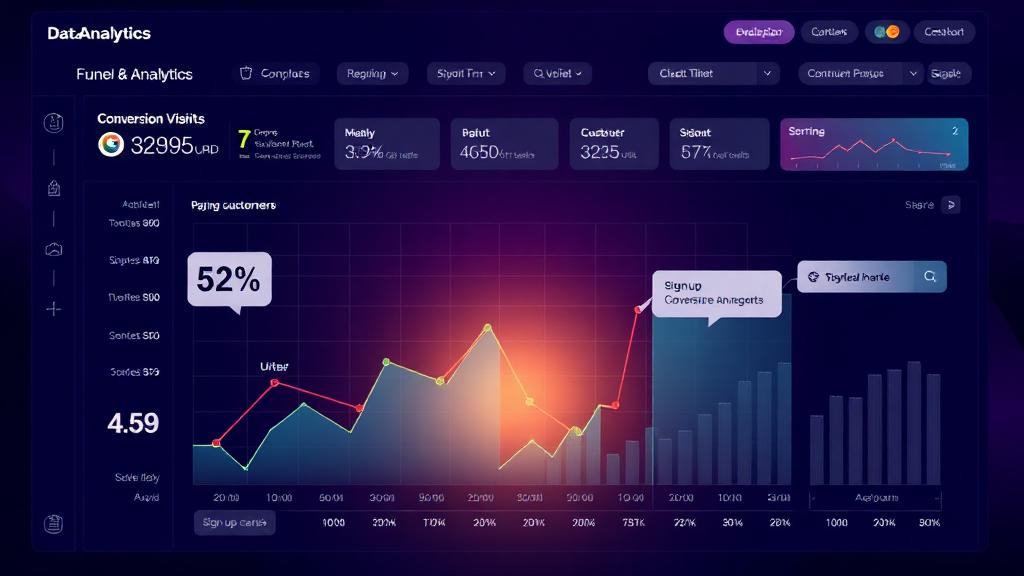
Track Which Signups Actually Pay: Signup URL and Credit-Type Attribution
Knowing your top traffic sources isn't enough. Recording the signup URL and the credit type each user claimed shows which channels and offers bring paying customers.

Subscription Fatigue Is Real. Credits Are an Exit Route.
Flat monthly plans fit badly when usage varies wildly between customers. Credit-based billing lets people pay for what they use without another recurring commitment.