Track Which Signups Actually Pay: Signup URL and Credit-Type Attribution
Knowing your top traffic sources isn't enough. Recording the signup URL and the credit type each user claimed shows which channels and offers bring paying customers.
By cred.diy Team
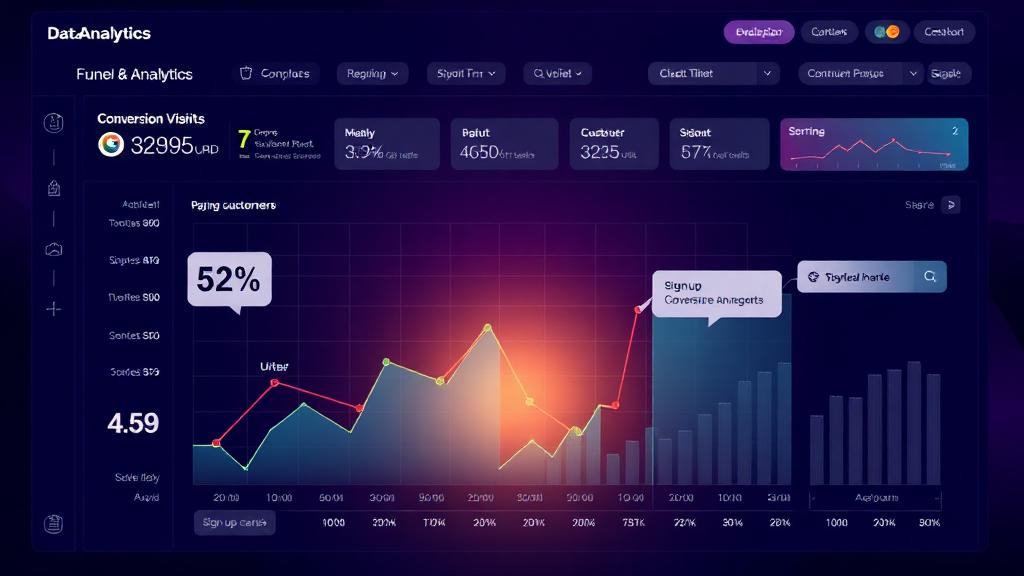
Most founders can name their top traffic sources. Fewer can say which of those sources bring people who go on to pay. The difference matters: a channel that sends lots of signups can look like a winner right up until you check how many of them ever buy.
Two pieces of data close that gap: the URL each user signed up from and the credit type they first claimed.
The attribution gap
Aggregate analytics answer "where did traffic come from?" They usually don't answer:
- Which specific page or campaign produced the users who paid.
- Whether people who claimed a "free trial" offer convert differently from people who claimed an "early access" offer.
- Whether a partner integration sends better customers than a paid ad, even if the ad sends more volume.
Without that, it's easy to optimize for signups instead of revenue.
First-touch attribution in cred.diy
Every end user in cred.diy can carry three attribution fields:
- signup_url: the URL the user signed up from.
- signup_host: the normalized hostname, derived from
signup_urlif you don't send it. - signup_credit_type_id: the credit type the user signed up for.
They're first-touch: once set, later calls don't overwrite them. Users created without attribution are filled in by their next call that carries an app origin.
Sending the fields
Your app knows where the user came from, so it sends the fields when it creates the user (or on /issue and /deduct):
curl -X POST "https://eutdgemlrpvnxfkkpvlu.supabase.co/functions/v1/credits-api/users" \
  -H "x-api-key: sk_live_your_api_key" \
  -H "Content-Type: application/json" \
  -d '{
    "external_id": "user_123",
    "email": "user@example.com",
    "signup_url": "https://yourblog.com/ai-agent-guide?ref=partner",
    "signup_credit_type_id": "ct_early_access"
  }'
Hosted checkout also accepts signup_url and stores it on the purchase.
Reading the results
GET /signup-analytics returns user counts, purchase counts and revenue grouped by signup host and credit type:
curl "https://eutdgemlrpvnxfkkpvlu.supabase.co/functions/v1/credits-api/signup-analytics?days=30" \
  -H "x-api-key: sk_live_your_api_key"
To look at the individual users behind a row, filter GET /users by signup_host or signup_credit_type_id. The dashboard's Users page shows the same fields alongside balances.
Questions it can answer
- Volume versus value: does the channel with the most signups also produce the most purchases, or does a smaller source convert better?
- Offer framing: with the same credit amount, does an offer labelled "Early Access" convert differently from one labelled "Free Trial"? Give each its own credit type and compare.
- Suspicious sources: does one referring host send many signups that never make a purchase? That's worth investigating before you pay for more of that traffic.
From insight to action
- Invest in what converts. If a source sends fewer users but more buyers, give it more attention.
- Cut what doesn't. Pause paid channels that bring signups but no purchases.
- Match offers to intent. Try different credit types for high-intent channels (partner referrals, direct outreach) and broad ones (social, search), and compare.
- Test landing pages. Send the same traffic to different
signup_urlvalues and compare purchases per page.
The takeaway
Signup counts are easy to grow and easy to misread. Recording where each user came from and what they signed up for lets you judge channels and offers by purchases and revenue instead.
Read the signup attribution docs and start sending the fields today.

Subscription Fatigue Is Real. Credits Are an Exit Route.
Flat monthly plans fit badly when usage varies wildly between customers. Credit-based billing lets people pay for what they use without another recurring commitment.

Running Presales and Token Launches with cred.diy
A complete guide to running presale campaigns that let early adopters purchase credits before your product launches.